
Understanding Free Webcasting Services
Free webcasting services have become an essential tool for organizations and businesses seeking to broadcast live content over the internet without incurring substantial costs. These platforms enable users to share events, presentations, training sessions, or promotional content directly with their audience through a web-based interface, facilitating real-time engagement and interaction. For entities in Miami, a vibrant hub of commerce, entertainment, and community activities, leveraging free webcasting solutions offers an accessible way to reach wide audiences without significant financial investment.
At their core, free webcasting services provide a range of basic features designed to support live streaming. This typically includes the ability to broadcast live video using a computer or mobile device, integrate chat functions for viewer interaction, and share multimedia content such as slides, images, or external links. Most platforms also offer simplified management dashboards, making it easier for users to schedule, launch, and monitor their broadcasts with minimal prior technical knowledge.
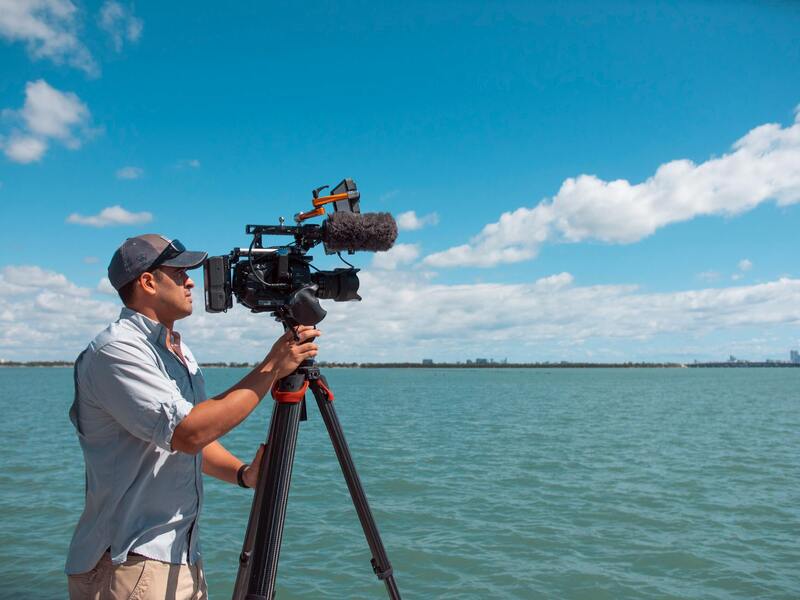
One of the primary benefits of using free webcasting services is the elimination of financial barriers. Small businesses, community organizations, educational institutions, and local government bodies in Miami can all access robust broadcasting tools without the need to invest in costly infrastructure or software licenses. This democratizes the ability to share content widely, fostering community involvement, expanding brand visibility, and facilitating seamless communication.
Additionally, free webcasting options often come with user-friendly features that enable quick setup and straightforward operation. Features like auto-recording, basic analytics, and social media sharing integrations help users maximize their reach and engagement. Furthermore, these services are accessible across multiple devices, ensuring that content can be viewed on desktops, tablets, and smartphones, which aligns well with the diverse technological landscape in Miami.
It’s important to recognize that while free webcasting platforms provide many essential features, the scope of these free offerings can vary. Some services might impose limitations on streaming duration, audience size, or bandwidth. Nevertheless, they offer a valuable starting point for organizations to test, develop, and expand their online broadcasting capabilities without immediate financial commitment.
Key Features to Look for in Free Webcasting Platforms
When selecting a free webcasting service, it is essential to evaluate specific functionalities that can significantly impact the success of your broadcast. The quality of streaming, platform stability, audience engagement tools, and customization options are vital components that contribute to a professional and seamless webcast experience.
- Streaming Quality: High-definition video and audio streams ensure that viewers receive clear visuals and sound. Platforms supporting at least 720p resolution are preferable, especially when broadcasting significant events or corporate presentations in Miami.
- Platform Stability and Reliability: Consistent uptime without interruptions is crucial. A stable platform prevents frustrating disconnections and buffering issues, maintaining viewer engagement throughout the broadcast.
- Audience Capacity: Understanding the maximum number of simultaneous viewers supported by the platform is key. Free services often have limitations on concurrent viewers, but it's vital to match these constraints with expected audience size to avoid disruptions.
- Customization Options: Ability to brand the webcast interface with logos, color schemes, and overlays enhances professional appearance and brand consistency. Some platforms may also offer simple interactive elements like chat windows or polls to foster engagement.
- Analytics and Data Tracking: Basic analytics assist organizers in understanding viewer behavior, engagement levels, and peak times. This data can inform future content strategies to increase reach and impact.
- Compatibility and Accessibility: Support across various devices, including desktops, tablets, and smartphones, ensures wider accessibility. Compatibility with common browsers such as Chrome, Firefox, and Safari reduces technical barriers for viewers in Miami and beyond.
Important Considerations When Choosing a Platform
Beyond core features, assessing additional factors can help optimize your broadcast experience. These include platform security measures to safeguard content, ease of use for hosts and viewers, and available support resources. With many free options, understanding each platform’s limitations—such as time caps, bandwidth restrictions, and audience size—is critical for planning successful webcasts in Miami. Matching your specific requirements against the capabilities of available services enables organizations to deliver impactful, professional broadcasts without overextending their technical resources.
Understanding Free Webcasting Services
Free webcasting services have become an essential resource for organizations and individuals looking to broadcast live content over the internet without incurring significant costs. These platforms offer a range of functionalities designed to reach broad audiences, from small local events to large-scale corporate presentations. Leveraging these services allows Miami-based businesses and event organizers to expand their reach, engage with viewers in real-time, and enhance their digital presence without the financial burden associated with traditional broadcasting methods.
Many free webcasting solutions operate on cloud-based architectures, ensuring ease of access and minimal setup requirements. They typically support various content formats, including video, audio, and multimedia presentations, providing versatile options for diverse event types. As these platforms evolve, they integrate features such as adaptive streaming, which adjusts video quality based on viewers’ internet speeds, to ensure seamless viewing experiences across different devices and network conditions. This adaptability is particularly vital for audiences in Miami, where internet infrastructure can vary significantly across regions.
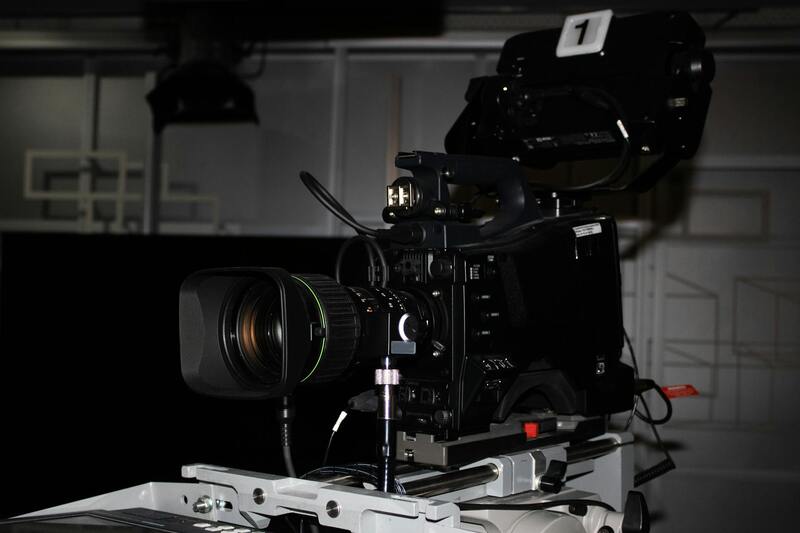
Many providers offer no-cost plans that include core features necessary for successful live broadcasting. These plans often have limitations such as restricted streaming duration, limited audience capacity, or restricted bandwidth, which are designed to encourage upgrading to paid options. However, for many small organizations, non-profits, or community events, these free tiers are sufficient for achieving their objectives. Access to basic analytics and viewer interaction tools further enhances the value, enabling organizers to monitor engagement and refine future broadcasts.
Key Features to Look for in Free Webcasting Platforms
When selecting a free webcasting service, it’s crucial to focus on specific features that influence broadcast quality and user experience. Ensuring compatibility with multiple devices such as desktops, tablets, and smartphones maximizes audience accessibility. Platforms should support popular browsers and operating systems to prevent technical barriers for viewers in Miami and beyond.
- Video Quality and Stability: The platform must support high-definition streaming capabilities and deliver a stable connection to reduce buffering and interruptions.
- Customization and Branding: The ability to personalize the webcast interface with logos, color schemes, and overlays enhances professionalism and reinforces brand identity.
- Interactive Features: Chat windows, live polls, and Q&A tools foster audience engagement, making the webcast more dynamic and interactive.
- Analytics and Reporting: Basic analytics provide insights into viewer behavior, peak attendance times, and engagement levels, guiding future event planning.
- Security Measures: Content protection, user authentication, and access controls prevent unwanted disruptions and ensure a smoother viewing experience.
Understanding these features helps organizers in Miami choose platforms that align with their specific event needs, whether it’s a corporate seminar, community gathering, or educational session. Recognizing the potential limitations of free plans, such as bandwidth restrictions or branding limitations, is equally important to deliver a professional broadcast that resonates with viewers.

Understanding Free Webcasting Services
Free webcasting services have become an integral part of digital communication, especially for organizations, businesses, and community groups seeking to broadcast live events without incurring substantial expenses. These platforms enable users to reach broad audiences across the globe via internet streaming, often offering essential features that facilitate professional-grade presentations without the need for significant upfront investments. Most free services operate through cloud-based infrastructure, which simplifies setup and management, making them especially attractive for smaller teams or events with limited budgets.
Many free webcasting solutions support a variety of event types, including corporate seminars, educational classes, community festivals, and religious gatherings. They typically allow for easy scheduling, live video streaming, and basic audience interaction. Nonetheless, understanding the core mechanisms of these services is important. They usually rely on a combination of streaming protocols such as RTMP (Real-Time Messaging Protocol), HLS (HTTP Live Streaming), or WebRTC (Web Real-Time Communication) to deliver content seamlessly across multiple devices and browsers. Some platforms also provide viewers the possibility to access recorded versions post-event, extending the reach and usability of the webcast.
Key Features to Look for in Free Webcasting Platforms
When selecting a free webcasting service, it’s crucial to evaluate the platform’s capabilities against the specific needs of your event. Features such as compatibility with multiple devices and browsers are fundamental, ensuring all viewers can access the content easily regardless of their hardware or operating system. High-quality video support, including HD streaming, is essential for a polished presentation, while stability guarantees that the broadcast remains smooth and free from interruptions.
Customization options also play a vital role in maintaining brand consistency and professionalism. Platforms that offer branding overlays, customizable interfaces, and logo placements help organizers create a cohesive visual experience. Interactive features like chat boxes, live polls, and Q&A modules foster greater audience engagement, transforming a passive viewing experience into an interactive event. Additionally, basic analytics—such as viewer count and engagement metrics—aid in assessing the event’s success and planning future broadcasts.
Understanding Platform Limitations
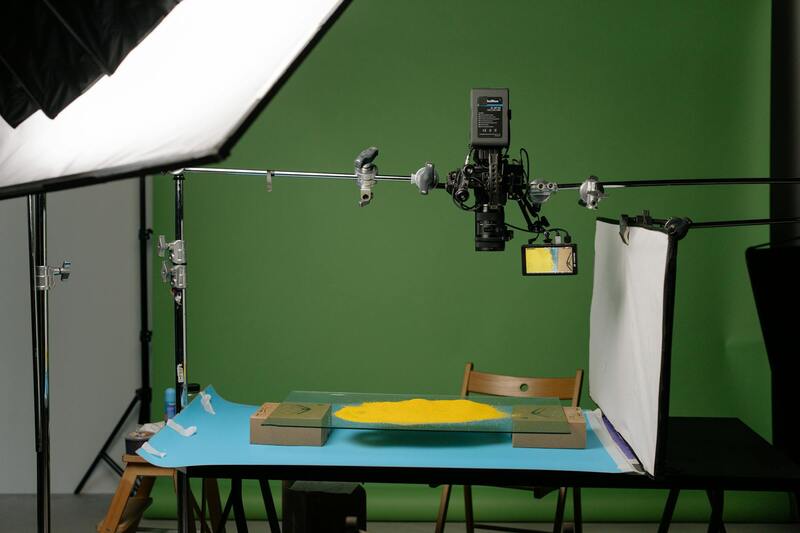
While free services offer numerous advantages, they often come with limitations that require consideration. For example, bandwidth restrictions may impact streaming quality during high-traffic periods, leading to buffering or reduced resolution. Branding and customization options may be limited, resulting in a less branded or professional appearance. Some platforms impose caps on total viewing hours per month or restrict access to advanced features available only through paid plans. It is important to recognize these constraints and weigh them against the event’s scope and audience expectations to select the most suitable platform.
Popular Free Webcasting Platforms and Tools
Several reputable free webcasting options are widely used by organizations in Miami and beyond. These platforms typically provide an intuitive interface, reliable streaming capabilities, and essential interactive features. Among them, notable options include:
- Platform A – Known for its user-friendly setup and integrated chat features.
- Platform B – Offers HD streaming and basic analytics tools.
- Platform C – Supports multi-angle streaming with simple customization options.
Choosing the right platform hinges on careful evaluation of your event requirements, audience size, and desired level of interaction. Many of these services also enable seamless integration with social media and other online channels, broadening the reach of your webcast without additional costs.
Understanding Free Webcasting Services
Free webcasting services have become an accessible option for businesses, nonprofits, and content creators looking to reach wider audiences without significant upfront costs. These services typically leverage cloud-based platforms to broadcast live video streams directly to viewers over the internet. Utilizing free webcasting tools allows organizations in Miami to promote events, share important announcements, or conduct live training sessions without each caller or viewer needing specialized software or hardware. Many platforms offer a range of features aimed at simplifying the streaming process, making it possible for users with limited technical experience to produce professional-quality broadcasts.
From small online seminars to large-scale community events, free webcasting services provide an excellent way to generate engagement and build brand awareness. They also enable real-time interaction through chat, Q&A, and social media integration, helping organizers foster active participation. Additionally, these platforms typically include analytics tools to track viewer engagement and reach, providing valuable insights for refining future online events.

It is important to recognize that while free webcasting platforms offer many advantages, they are often supported by branding from the provider and have certain limitations regarding bandwidth, customization, or event duration. A clear understanding of these factors can help in choosing the most appropriate service that aligns with specific event goals and audience expectations. As digital presence continues to grow, these free tools serve as a valuable starting point or supplement to paid services, enabling more organizations in Miami to harness live streaming effectively.
Key Features to Look for in Free Webcasting Platforms
- User-Friendly Interface: Easy setup and navigation are essential for smooth broadcasting experiences, especially for users with limited technical expertise.
- Reliable Streaming Quality: High-definition video with minimal buffering ensures a professional appearance and maintains viewer engagement.
- Interactive Capabilities: Live chat, polls, and Q&A features promote real-time interaction with viewers.
- Platform Compatibility: Compatibility across devices and operating systems maximizes reach and accessibility.
- Analytics and Reporting: Metrics on viewer demographics, engagement, and viewership stats help evaluate the success of your webcast.
- Social Media Integration: Easy sharing options to boost visibility and broaden audience outreach.
- Customization Options: Branding elements such as logos, overlays, and custom end screens, even if limited, contribute to a cohesive presentation.

Popular Free Webcasting Platforms and Tools
Numerous webcasting services are accessible at no cost, each with unique advantages suited for different event types and audience sizes:
- Platform A: Known for its straightforward setup process and built-in chat system, making it ideal for webinars and small corporate meetings.
- Platform B: Offers HD streaming capabilities along with basic analytics, suitable for larger audiences seeking quality and insights.
- Platform C: Supports multi-angle views and simple customization, popular among creative teams or events featuring multiple speakers or presenters.
When selecting a platform, consider factors such as audience size, required interactivity, and the level of branding customization. Many of these services enable seamless sharing to social media channels, enhancing the event's reach in Miami and beyond. Ensuring the chosen platform aligns with your event objectives will maximize the benefits of free webcasting capabilities.
Setting Up a Free Webcast: Step-by-Step Process
Implementing a successful free webcast requires careful planning and execution. The process generally involves several key steps to ensure a smooth and professional presentation. First, selecting an appropriate platform that fits the specific needs of your event, considering factors like audience size, desired features, and compatibility with your existing devices, is crucial.
Next, prepare your content and ensure all multimedia elements — such as videos, slides, or live feeds — are ready and tested in advance. This step minimizes technical glitches during the live broadcast. It’s also essential to set up a stable internet connection, preferably wired, to prevent interruptions that could compromise broadcast quality.
During the setup, configure the platform settings including stream quality, privacy controls, and any branding overlays or logos. Many free webcasting services offer options to customize the viewing experience, which can be utilized to maintain consistency with your organization’s branding identity. Incorporate interactive features like chat functions or Q&A segments to foster engagement with viewers.
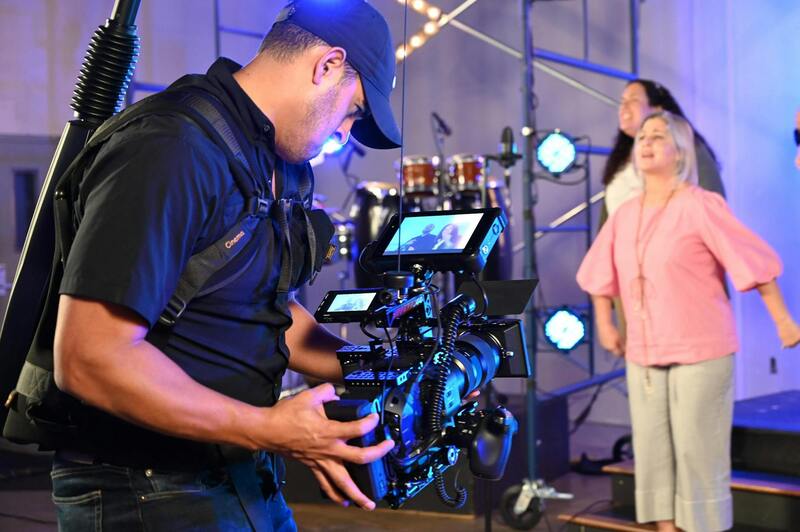
On the day of the event, conduct a final check of all technical components — audio levels, camera angles, and streaming settings. It’s advisable to have a backup plan, such as alternative internet sources or additional devices, in case of unforeseen issues. During the webcast, monitor the stream continuously and engage with viewers through live chat or social media to maximize interactivity and attentiveness.
Post-broadcast, review the analytics provided by your platform to evaluate viewer engagement, peak viewership times, and overall reach. Download supplementary reports if available, to analyze the success of your event and identify areas for improvement. Sharing recorded content afterward can also extend the lifespan and impact of your webcast, reaching audiences who missed the live event.
Understanding Free Webcasting Services
Free webcasting services have become essential tools for Miami businesses aiming to reach larger audiences without the burden of substantial financial investment. These platforms enable organizations to broadcast real-time video content over the internet, opening pathways to engage with clients, prospects, and stakeholders seamlessly. They support a variety of event types, including corporate meetings, webinars, product launches, and community events, making them versatile options for different organizational objectives. By leveraging free solutions, Miami companies can explore the benefits of live streaming without committing to costly subscription plans, thereby optimizing their marketing and communication strategies on a limited budget.

Key Features to Look for in Free Webcasting Platforms
- User-Friendly Interface: An intuitive setup process and straightforward controls are crucial for smooth live broadcasting, especially for users with minimal technical experience.
- Compatibility and Accessibility: Platforms should support multiple devices and browsers, ensuring viewers can access streams from smartphones, tablets, or desktops without issues.
- Reliability and Stability: Consistent streaming without frequent interruptions or buffering is vital for maintaining audience engagement.
- Interaction Capabilities: Features like live chat, Q&A sections, and polls foster active participation and improve viewer interaction.
- Custom Branding: The ability to add logos, overlays, and customized backgrounds helps reinforce brand identity throughout the webcast.
- Analytical Tools: Access to viewer data and engagement metrics supports post-event evaluation and strategic improvements.

Popular Free Webcasting Platforms and Tools
Several reputable platforms cater to Miami businesses seeking no-cost solutions for live streaming. Examples include:
- YouTube Live: As part of the Google ecosystem, YouTube Live offers a robust, scalable, and user-friendly platform suitable for a wide range of events. It provides reliable streaming options, extensive customization, and detailed analytics.
- Facebook Live: Ideal for organizations with established social media presence, Facebook Live allows real-time interaction with followers and offers broad reach without additional costs.
- Zoom (Free Tier): Popular for webinars and virtual meetings, Zoom’s free version supports live streaming with interactive features like chat and polling, making it versatile for internal and external events.
- StreamYard: A browser-based tool that simplifies live broadcast management, StreamYard supports streaming to multiple platforms simultaneously, enhancing cross-channel reach.
- Vimeo Livestream (Free Tier): Suitable for organizations prioritizing video quality, Vimeo’s free offering provides professional features with a focus on higher standards of streaming performance.
Advantages and Limitations of Free Webcasting Services
Employing free streaming solutions offers several benefits for Miami enterprises:
- Cost Efficiency: No financial investment is required, making it accessible for small businesses and startups.
- Ease of Use: Many platforms are designed with user-friendly interfaces to facilitate quick setup and operation.
- Quick Deployment: Free services allow organizations to go live rapidly, often with minimal technical preparation.
However, these solutions can present certain limitations:
- Limited Customization: Free platforms often restrict branding options and customization features, which might impact brand consistency.
- Stream Quality Constraints: The quality of live streams can be lower or inconsistent compared to paid alternatives, especially during high traffic periods.
- Bandwidth and Capacity Restrictions: Free tiers typically impose limits on viewer count and streaming hours, which could hinder large-scale events.
- Data Privacy Concerns: Limited control over data and privacy settings may pose challenges for sensitive or proprietary content.
Setting Up a Free Webcast: Step-by-Step Process
Successfully launching a free webcast involves several key steps:
- Platform Selection: Choose a platform that aligns with your event goals, target audience, and technical needs.
- Account Creation and Configuration: Sign up for the chosen service, set up your profile, and configure streaming settings, including privacy options and branding elements.
- Content Preparation: Prepare your presentation materials, visuals, and scripts ahead of time to ensure a smooth flow during the live broadcast.
- Technical Testing: Conduct test runs to verify audio and visual quality, internet stability, and interaction features, adjusting settings as necessary.
- Promotion: Announce your event through relevant channels—social media, email campaigns, or your website—to optimize viewership.
- Go Live: Begin your webcast at the scheduled time, monitor the stream continuously, and engage with viewers through available interactive features.
- Post-Event Evaluation: Review analytics, gather feedback, and consider sharing recorded content to extend the lifespan of your webcast.
Ensuring High-Quality Webcasts with Free Services
Achieving a professional and seamless webcast experience using free services requires careful optimization and strategic planning. While free platforms offer accessible options for streaming, ensuring high-quality video and audio is essential to engage viewers effectively and maintain a reputable online presence.
Optimizing Internet Connectivity
A reliable and fast internet connection is fundamental for high-quality streaming. It is recommended to use a wired Ethernet connection instead of Wi-Fi to reduce latency and prevent interruptions. Perform speed tests prior to the event to confirm sufficient upload bandwidth—ideally, at least 3-5 Mbps for HD streams. During the webcast, close unnecessary applications that may consume bandwidth and hinder stream stability.
Using Appropriate Hardware and Software
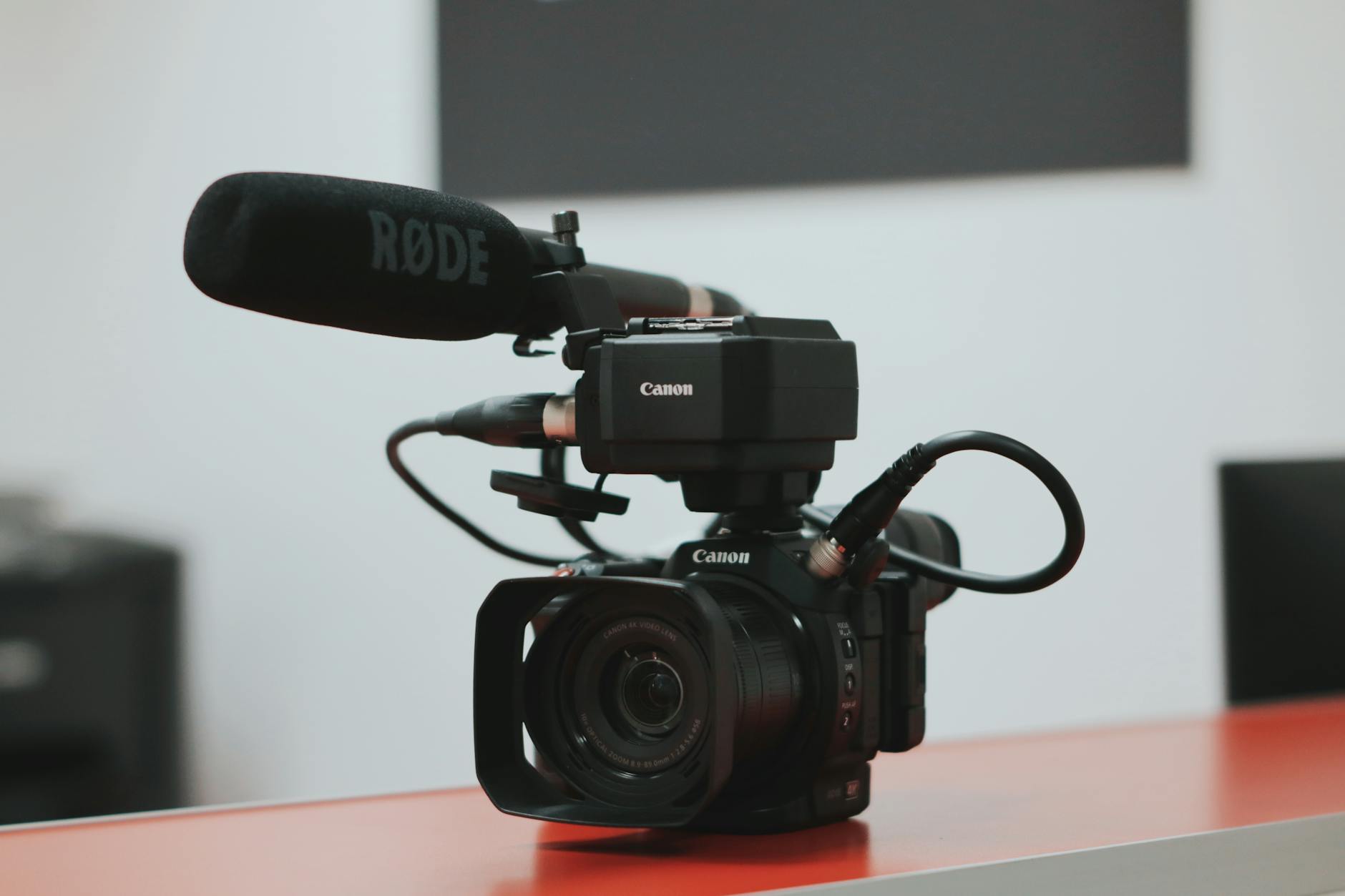
Investing in a good quality camera, microphone, and lighting setup can significantly enhance the webcast’s professionalism. Even with free streaming platforms, the quality of your production equipment directly influences viewer experience. Employing external microphones for clear audio and high-definition webcams ensures visuals are sharp and engaging. Additionally, utilizing encoding software compatible with the chosen platform allows for better control over stream settings and improves overall output.
Controlling Streaming Settings and Environment
Adjust streaming parameters within the platform or encoding software to suit the event's scale and content. For example, setting the appropriate resolution, bitrate, and frame rate optimizes the stream for your audience's devices and network conditions. Creating a distraction-free environment—minimizing background noise and interruptions—also contributes to a more professional presentation.
Engaging Viewers through Interactivity
Utilize available features like chat, Q&A, polls, and screen sharing to foster interaction and maintain viewer interest. Promoting engagement not only increases viewer retention but also provides valuable real-time feedback. Monitor interactions closely and respond promptly to questions or comments, creating a dynamic and professional atmosphere during the webcast.
Monitoring and Troubleshooting During Broadcasts
Constant monitoring of the stream’s quality is vital for early detection of issues. Many free platforms offer real-time analytics and alerts; leverage these tools to identify potential problems. Having backup equipment or alternative internet sources can prevent disruptions. Post-event, review stream analytics to understand viewer behavior and technical performance, informing improvements for future broadcasts.
Security and Privacy Considerations
When streaming confidential or proprietary content, pay careful attention to privacy settings and access controls. Use password protections or restricted viewing links if available to prevent unauthorized access. Be aware of the platform’s data handling policies to ensure sensitive information is protected throughout the webcast process.
Maintaining Consistency and Reliability
Regularly conducting test streams helps identify potential technical issues before actual events. Establish a standardized setup process, including pre-event equipment checks and environment arrangements, to ensure consistency across broadcasts. Building familiarity with the platform’s features and limitations enhances confidence and reduces the likelihood of errors during live sessions.