
Updated: October 22, 2026
There is no second take at an event
Most video work includes a safety net. If a shot fails, you reset and try again. Event coverage offers no such luxury. Keynotes are delivered once, awards are handed over once, and the moment the CEO announces a figure happens at a specific second, never to be repeated. Every technical decision in event video is shaped by this unique challenge.
Redundancy involves assuming that something will fail and ensuring that this failure does not matter. This guide focuses on identifying the real risks during an event shoot in Miami. It also provides guidance on what to duplicate, what not to duplicate, and how to develop a plan that can withstand unforeseen issues.
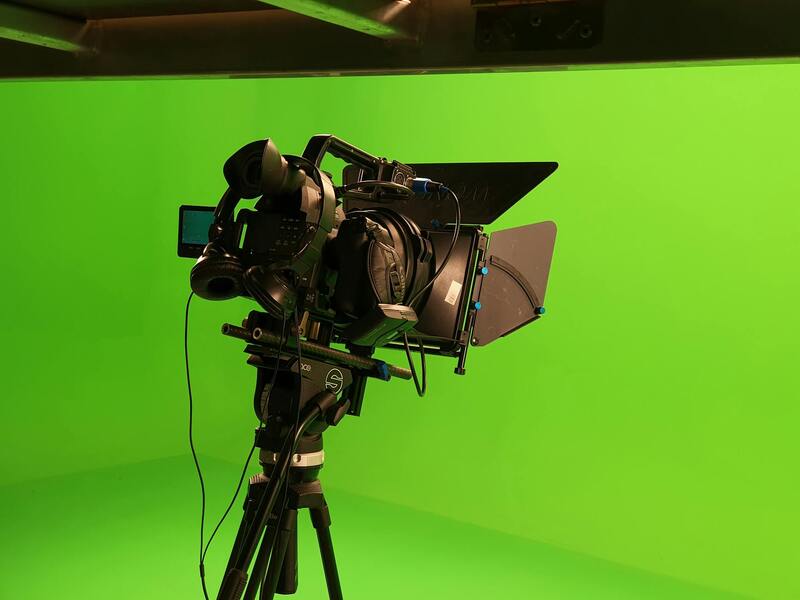
Where events actually fail
The failures are rarely dramatic. In order of how often they cause real damage:
- Audio. A wireless channel drops, a house feed is not what you were told it was, a lapel comes loose, a speaker walks off-mic. Audio is the most common failure and the most damaging, because a keynote with unusable sound is worthless regardless of picture.
- Recording media. A card fills mid-session, a recorder stops without anyone noticing, a file is corrupted.
- Power. A circuit trips, a battery runs down further into a session than expected, an extension gets unplugged by someone needing an outlet.
- Human. An operator is in the wrong position when the schedule changes, or nobody was told the award order moved.
- Camera. Genuine equipment failure, which is far less common than the items above but not zero.
Notice that most of these issues are related to processes and audio, rather than camera problems. Redundancy budgets often go entirely towards a second camera, while the audio chain, which is where the actual risk lies, remains single-threaded.
Audio redundancy: the priority
For any important session, record the audio using at least two completely independent methods. Independence here means that the recording devices should not share a device, battery, or cable.
A typical arrangement:
- A feed from the venue's mixing desk, which is typically the cleanest source.
- A separate recorder on the speaker, either a lavalier microphone or a small recorder in a pocket.
- Camera-mounted or room microphones capture ambient sounds and serve as a last-resort reference.
Take the desk feed but never rely on it alone. It depends on someone else's equipment, someone else's settings and someone else's attention, and if a channel is muted at the desk you get silence with no warning. Working with the house team is covered in the article on working with the venue AV team.
Have someone monitoring through headphones throughout the process, not looking at the meters. A dropout becomes immediately audible, even though it might not be visible on a level display.
Recording redundancy
Where supported by the equipment, record to two cards simultaneously. This provides the cheapest form of redundancy and shields against the most common media failures.
Beyond that:
- Never let a card fill during a session. Calculate capacity against session length beforehand and change cards during scheduled breaks, not during content.
- Assign one person to card changes, with a written schedule tied to the run of show.
- Confirm recording is actually running, visually, at the start of every session. A camera that is powered and framed but not rolling looks identical to one that is.
- Offload during the event, not after. If the day runs long, backups get rushed at the end when everyone is tired.
- Keep the two copies physically separate before anyone leaves the venue.
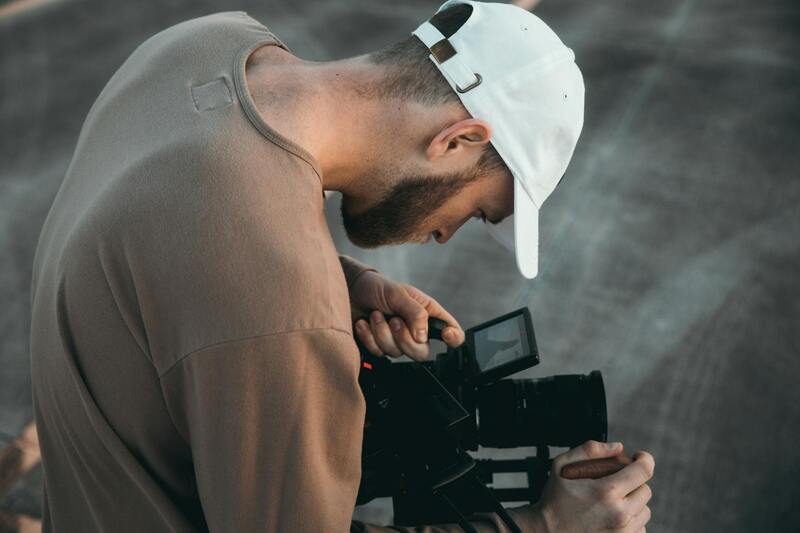
Camera coverage that tolerates a loss
On a single-camera shoot, a camera failure can end the coverage. In a two-camera setup, a similar failure can severely damage the shoot. For important sessions, a practical approach is to have a locked-off wide-angle camera that runs continuously without stopping. This setup is complemented by additional operated cameras for closer coverage.
The locked wide angle view is an insurance policy. It may not be the most interesting footage, but it ensures continuous coverage. In the event that everything else fails, you will still have the session recorded. Additionally, it addresses the more common issue of gaps occurring while an operator repositions or changes a card.
Give it its own power source and its own recording media. Do not use it as a spare body for anything else during the day.
Power
Venue power is shared among catering, lighting, staging, and any other nearby equipment that is plugged in. Assume that the power supply is less reliable than it appears.
- Run cameras on batteries, using mains power as a top-up rather than relying solely on mains power.
- Carry more batteries than arithmetic suggests, as cold rooms and long sessions consume more power.
- Label your outlets and cables to prevent anyone from reassigning them.
- Keep recorders on battery power, as an interruption can result in lost content.
- Ask which circuits you are on, and find out what else is connected to them.
The redundancy that is not equipment
Two process items prevent more losses than any spare part.
Get the run of show in writing, and get the updates. Most missed moments are scheduling failures, not technical ones. Someone moved the award presentation earlier and the camera team was repositioning. Identify the person who owns the schedule and stay in contact with them throughout.
Communicate between operators. Radios or an intercom so that a camera going down, a card change, or a change of plan is known immediately rather than discovered in the edit. On multi-day coverage this matters more each day, as covered in the piece on multi-day conference coverage.
Miami-specific practicalities
Ballrooms here are often aggressively air-conditioned, while the load-in door opens onto humid outside air. This can lead to condensation on lenses and equipment moving between the two environments. It's best to bring gear inside early and let it settle. Outdoor and poolside sessions add the challenge of wind on microphones and a risk of rain on equipment. Both issues require careful planning rather than reacting to problems as they arise.
What not to duplicate
Redundancy has a budget and it should be allocated where the risk is highest. Duplicating tripods, matching every lens, or bringing a third camera for a small event typically provides little benefit. Instead, the budget should be spent on a second audio path, dual-card recording, extra batteries, and an additional person to monitor sound. These measures cover the failures that actually occur.
How we cover events
We record audio through at least two independent paths during any significant session. We use the desk feed but do not rely solely on it. Throughout the session, we monitor using headphones.
We adhere to the written run of show, maintain constant contact with the owner, and keep operators on communication lines to ensure any issue is identified within seconds rather than at handover. Footage is offloaded during the event, and two copies are removed from the venue separately.
Tell us the schedule and the sessions that matter most, and we will build the coverage plan around those. More on event work in the event video blog, or get in touch through the contact page.
The short version
Events cannot be repeated, so it's essential to plan for failure rather than hoping against it. Audio is the biggest risk: record two independent paths and monitor on headphones. Use dual-card recording, change cards during breaks, and confirm that recording is active at every session start. Run a locked wide camera continuously as insurance. Ensure you have the run of show in writing and stay in contact with whoever may change it.
If the budget only allows for one additional item, prioritize adding a second audio path. This is where significant losses typically occur.