
Updated: October 26, 2026
The footage every conference recap needs and few plan for
Watch any good conference recap video and notice what carries it: not the keynote wide shot, not the drone pass over the hotel, but the thirty seconds of an attendee saying, in their own words, why they came and what they got. Those clips sell next year's tickets, give sponsors proof, and feed a year of social posts. They are also the footage most often missing at the end of a Miami conference, because nobody built a way to capture them while the event was happening.
The fix is a testimonial station: a small, purpose-built interview setup, staffed through the event, where attendees, speakers and sponsors can be recorded in a few minutes each. This guide covers where to put it, how to build and light it, who to recruit, what to ask, and how to turn a day of two-minute interviews into usable clips.
Where it goes
Location decides whether anyone shows up. The station needs foot traffic, a little separation from noise, and a route people already walk. In a Miami hotel or convention centre, that usually means one of:
- The foyer near registration, where people arrive with time to kill and leave with opinions. Best for morning and end-of-day interviews.
- Beside the coffee break area, where attendees stand around for twenty minutes several times a day. Loud, but the flow is constant.
- A corner of the sponsor hall, which sponsors like because it puts their branding in the background. Negotiate the position with the sponsor manager.
- A small breakout room, quiet and controlled, but only if there is a clear sign and someone actively bringing people in. An empty room with a camera in it stays empty.
Avoid: next to the stage doors (session audio leaks and traffic surges), outdoor terraces (heat, wind, the sun moving), and anywhere the venue's AV team needs for a cable run. Confirm the spot on the pre-event venue walkthrough, with power and the background checked.
Building it
- Background. A branded step-and-repeat or fabric backdrop of the event, or a clean section of the venue with the event's colours. Keep it a metre or more behind the subject so it goes soft.
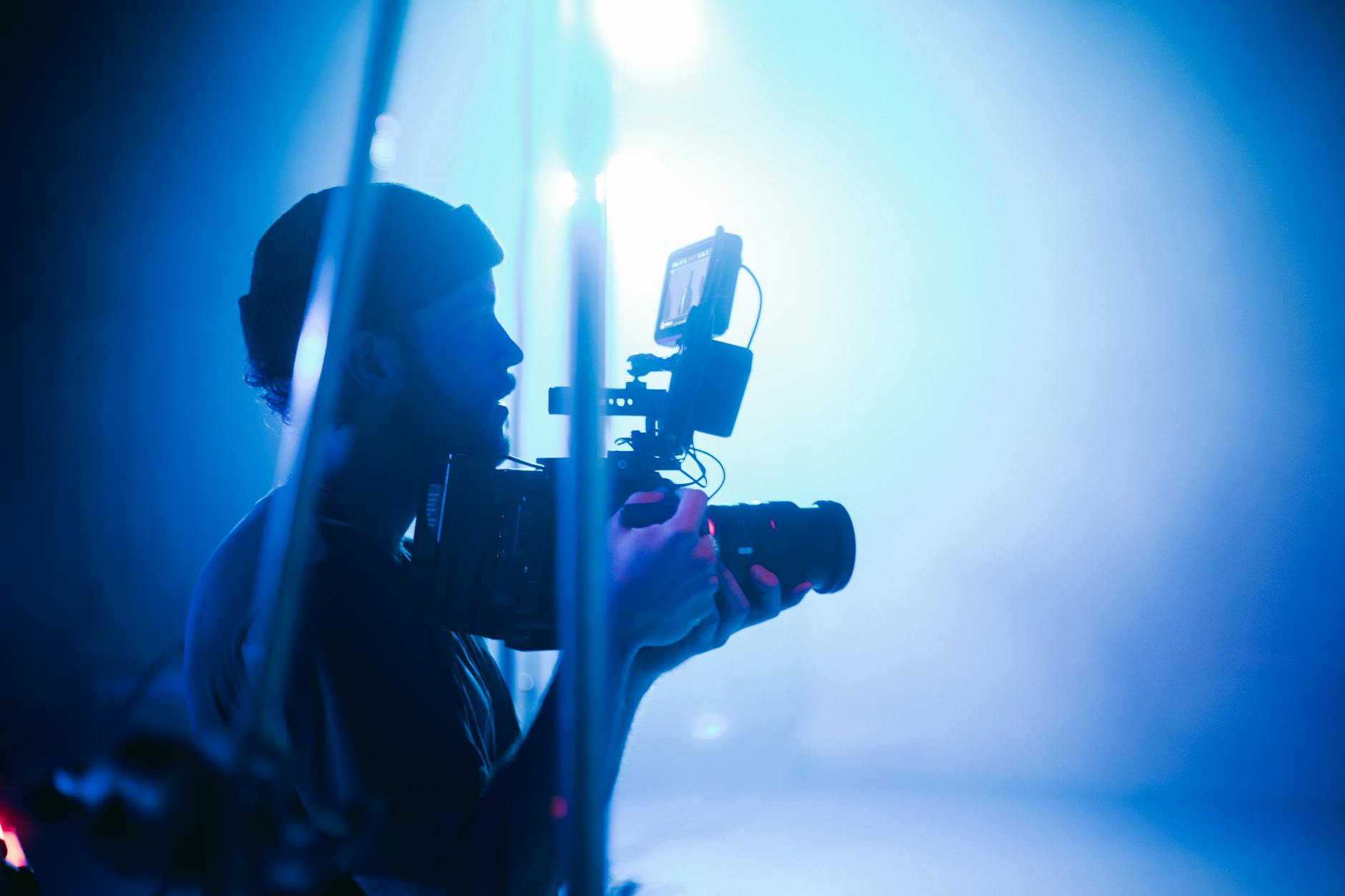
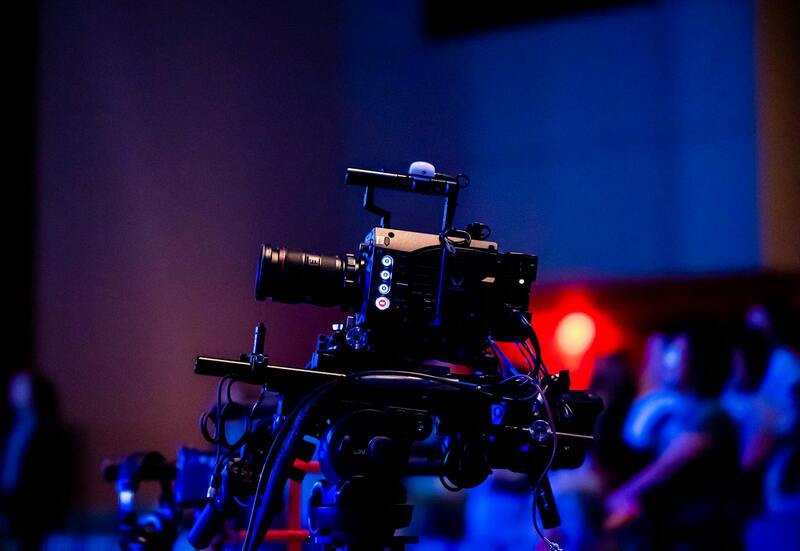
- Camera. One camera on a tripod at eye level, a medium lens, framed for a head-and-shoulders shot with room for a lower third. A second camera at an angle for a cutaway is useful for the edit but doubles the crew; a single camera with a punch-in in post is the usual compromise.
- Light. Two small LED panels through diffusion, key and fill, plus a hair light if the backdrop is dark. Foyers are lit by chandeliers and daylight that change hour to hour; the station's own lights make every interview match. Set the colour temperature once and leave it.
- Sound. A wireless lavalier on the subject and a short shotgun on the camera as backup. In a busy foyer the lav is the only thing that produces usable audio. Ask the venue AV team for a quieter hour if the break music is loud; see our notes on working with the venue AV team.
- Signage and a release. A sign that says what the station is for and a tablet or a printed release for each participant. Consent is not optional; our guide to attendee consent and releases explains what to collect.
- A stool, water, a mirror. People talk better sitting on a tall stool than standing, and everyone wants to check their hair.
Staffing and recruiting
Two people minimum: a camera operator who also handles sound, and a producer or host whose job is to bring people in, brief them, ask the questions and keep the release forms in order. The producer is the difference between four interviews and forty. Recruiting works best when it is planned:
- Ask the event organiser for a list of people they want on camera (sponsors, VIP attendees, speakers, first-timers, long-time attendees) and schedule those in advance, ten minutes each, around the programme.
- Walk the coffee break with a clipboard and invite people. "Two minutes, three questions, right over there" works. Mention that it will be in the recap.
- Catch speakers as they come off stage; they are warmed up and available for exactly fifteen minutes.
- Have the MC mention the station from the stage once a day.
What to ask
Short questions, open-ended, that produce complete sentences. The answers are the content; the questions are cut out, so ask the subject to include the question in the answer ("What I came here for was..."). A working set:
- Why did you come to the event this year?
- What is one thing you heard today that you will take back to your team?
- Who should come next year, and why?
- For sponsors: what conversations have you had at your booth that you would not have had otherwise?
- For speakers: what did you want the audience to leave with?
Two minutes per person is plenty. Ask each question once, let them answer, and if the answer rambles, ask them to say it again in one sentence. Most people are happy to.
From forty interviews to usable clips
Log as you go. A note per interview with the name, title, company, release status and a one-line summary of the best answer means the editor can find the clips without watching everything. For a same-day recap, the producer flags the three best interviews by mid-afternoon; see our guide to same-day edits. After the event, the interviews become a library: fifteen-second vertical cuts for social, a testimonial reel for the sponsor deck, individual clips sent to the people who appeared in them, which they share. How to organise that is in our piece on building a post-event asset library.
Testimonial stations with Miami Event Video Pro
We run a testimonial station at most of the conferences we cover, as a two-person unit alongside the stage crew: backdrop, lights, lav mics, a producer who recruits and interviews, digital releases on a tablet, and a running log so the recap editor has the best clips flagged by the afternoon break. Attendees get their clip afterwards; organisers get a testimonial library they use for a year.
If your event has a recap in the plan but no way to gather the voices that make it work, talk to us about adding a station. More about how we cover conferences is on the about page, and our other event video guides are on the blog.