
Updated: October 19, 2026
Why fireside chats are harder to film than keynotes
The fireside chat has become a standard part of Miami conferences. Instead of a keynote with slides, an interviewer and a guest sit in two chairs, often with a low table, a plant and warm lighting, and talk for 30 to 45 minutes. For the audience, it feels relaxed and personal. For the video team, it is one of the trickier formats on the agenda.
A keynote has one person facing the audience. A fireside chat has two people facing each other, usually at an angle, turning their heads, leaning in, laughing and sometimes talking over each other. The best moments often happen on the person who is listening. If the camera plan treats it like a keynote, you end up with a profile shot of the guest and the back of the interviewer's head.
This guide covers how we plan and film fireside chats at Miami conferences: stage layout, camera positions, audio, lighting and the cutaways that make the edit work.
Start with the stage layout
Most fireside problems are layout problems. The event designer chooses chairs and angles for the room, and they look good from the audience. Whether they work for camera is a separate question, so ask for the stage plan early and send your notes.
- Chair angle. Two chairs facing each other directly look natural in a living room but give cameras only profiles. Turning both chairs slightly toward the audience, often called a "cheat," opens the faces to the center camera while still letting them talk to each other.
- Distance between chairs. Too far apart and a two-shot becomes very wide with a lot of empty stage. Too close and the speakers feel cramped. A small table between them usually sets a good distance.
- Chair type. Low lounge chairs make people slump, and swivel chairs make them turn away from camera. Firm chairs without swivel help speakers sit up and stay in frame.
- Background. Check what sits behind each speaker from each camera position. A bright LED wall behind one guest and a dark curtain behind the other is hard to match in the edit.
Raise these points at the venue walkthrough. Our article on the pre-event venue walkthrough for event video explains how to use that visit.
Camera positions that cover a conversation
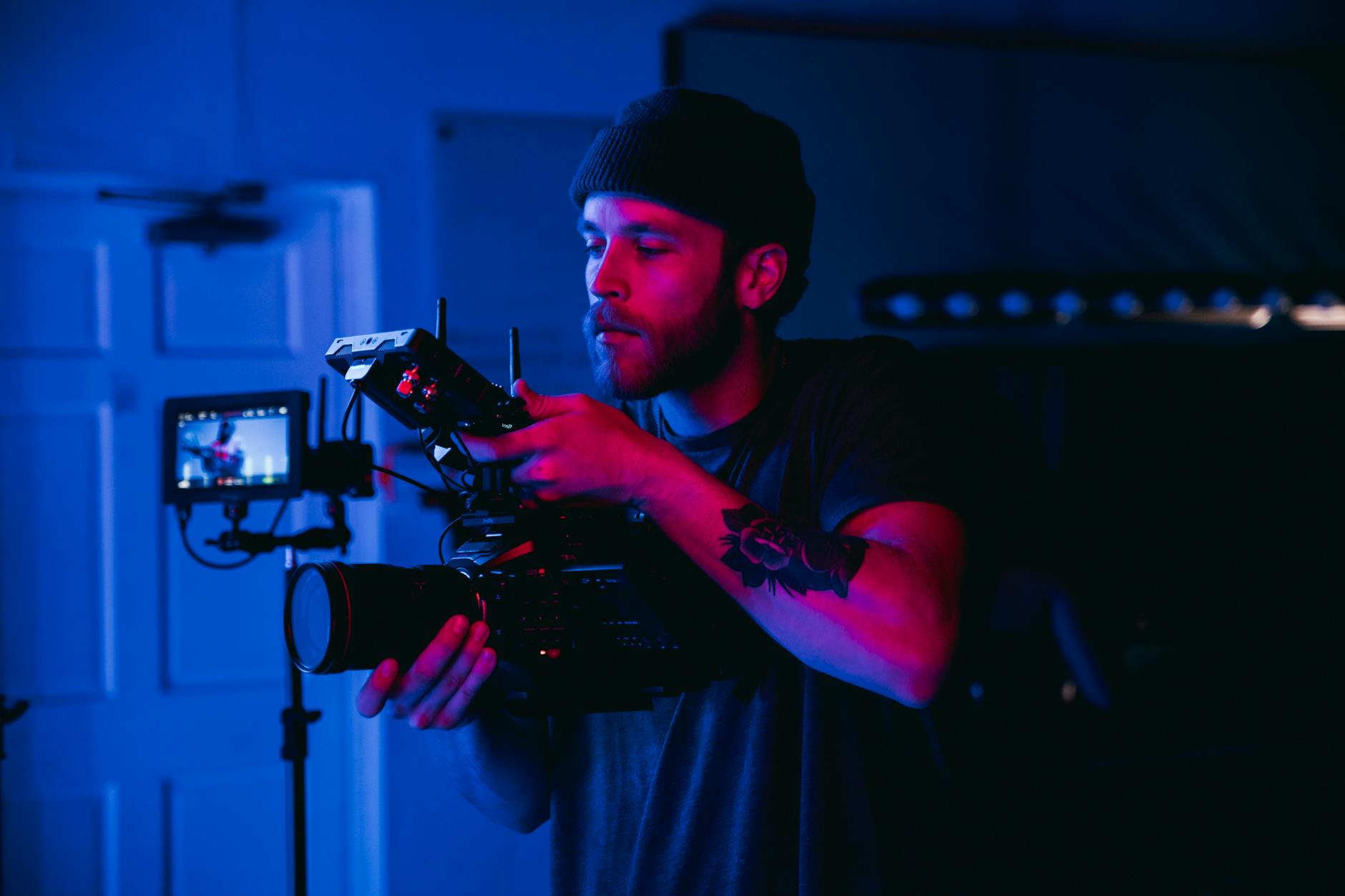
A single camera can capture a fireside chat, but the result usually looks flat. Two or three cameras give the editor the cuts that make a conversation feel alive. Here is a common setup for a mid-size Miami conference.
Camera A: the center wide
A camera at the back or center of the room frames both speakers in a two-shot. This is the safety shot and the main angle for the recording. It also catches gestures between the speakers and the stage design.
Camera B and C: the singles
Two cameras placed left and right of center, each angled across the stage to catch one speaker's face. Camera B, on the left side of the room, looks at the guest sitting stage right, and Camera C, on the right side, looks at the interviewer. This crossing pattern gives you near-frontal close-ups of both faces instead of profiles.
If the budget allows only two cameras, keep the wide and put the second on the guest, who usually does most of the talking. The operator can widen out or move to the interviewer for key questions. Our article on why multi-camera coverage matters at a Miami conference covers the general logic.
Line of sight and audience heads
Seated speakers sit lower than a standing keynote speaker, so audience heads block cameras more easily. Use risers, place cameras on aisles, or raise the stage. Ask the planner to keep the first row clear in the camera paths if possible.
Audio: two voices, sometimes more
Clean audio matters more than any camera angle. Viewers forgive a soft shot, but they leave when they cannot follow the conversation.
- Lavalier microphones on both speakers are standard. Place them on the side facing the other speaker, since people turn their heads toward the person they are talking to.
- Handheld microphones look less polished on camera and change level when people forget to hold them close, but some events prefer them. If so, record a backup lav on each speaker as well.
- Separate channels. Ask the venue AV team for each speaker on their own channel, plus a mixed feed. Separate tracks let the editor fix overlap and level differences.
- Audience questions. If the session ends with Q&A, plan a mic runner and make sure that mic also goes to your recorder.
Coordinate all of this with the house audio team in advance. Our guide to working with venue AV vendors at a Miami corporate event explains what to ask for and when.
Lighting that flatters seated speakers
Fireside sets usually use warmer, softer stage lighting to create an intimate mood, which can be beautiful in the room and dark on camera. Talk to the lighting designer before show day.
- Ask for a soft key on each speaker from the direction of their single camera, so both faces are lit for the close-ups.
- Check that the color temperature matches on both chairs. A cool key on one and a warm practical lamp on the other makes the edit look inconsistent.
- Watch for practical lamps on the set table. They look cozy but can blow out in frame or create shadows on faces.
- Keep LED walls behind the chairs at a level that the cameras can handle, or the speakers will look like silhouettes.
More detail on working with stage lighting is in our article on lighting for event video in a Miami ballroom.
Cutaways and the edit
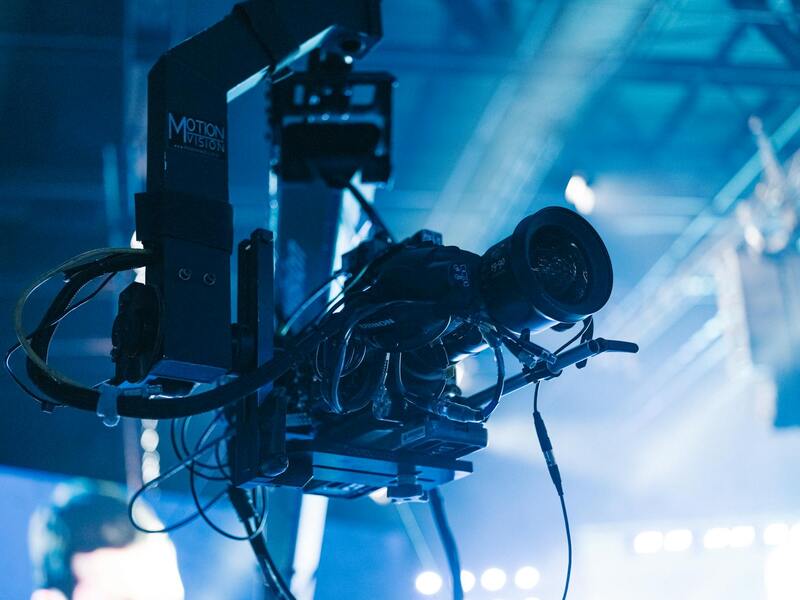
A fireside chat is a conversation, and conversations are edited on reactions as much as on words. Plan for these shots:
- Listening shots. The interviewer nodding, the guest thinking before answering. The single cameras should stay on their speaker even when that person is quiet.
- Audience reactions. Laughter, note taking, phones raised to record a key line. A roaming camera or a dedicated operator for b-roll catches these.
- Wide establishing shots from the back of the room showing the full stage and audience.
- Details such as hands, the stage branding and the set dressing.
Most clients want two edits from a fireside chat: the full session for the on-demand library and a short highlight with the best two or three moments for social media. Mark strong quotes during the session (a producer with the run of show and a notepad is enough) so the editor can find them quickly. Add lower thirds for both speakers early in the full version, and repeat them after a long single.
Moments to watch for
Fireside chats often produce unscripted moments: a guest telling a personal story, a surprise announcement, a disagreement handled with humor. Brief your operators before the session about the guest and the likely high points, and make sure everyone keeps rolling during the first and last minutes, when people often say the most quotable lines.
A simple fireside chat checklist
- Stage plan reviewed, chairs cheated toward the center camera.
- Camera positions marked, with risers and clear sight lines.
- Lav mics placed and tested on both speakers, with separate channels.
- Lighting checked on both chairs from each camera.
- Names and titles confirmed for lower thirds.
- Producer logging key quotes and timecodes.
- Deliverables agreed: full session, highlight and social clips.
Filming your next fireside chat with Miami Event Video Pro
We film fireside chats, panels and keynotes at conferences across Miami, from hotel ballrooms to convention halls. Our crews review the stage plan with your event designer, place cameras for faces instead of profiles, record every voice cleanly with the venue's AV team, and deliver a full session plus short highlights your marketing team can post the same week.
If you have a conference coming up, send us the agenda and the room layout, and we will suggest a camera plan for every session. You can learn more about our team or read more event video guides on the blog.