
Updated: October 24, 2026
Why speakers ask for their keynote footage
For a professional speaker, a good recording of a live keynote is one of the most useful marketing assets they can have. Event organizers and speaker bureaus want to see someone on a real stage, in front of a real audience, before they book them. A polished speaker reel, usually two to four minutes, shows how the person holds a room far better than a headshot and a bio.
That is why speakers at Miami conferences often ask the event video team the same questions: Can I get my footage? Can you cut a reel? How much will it cost and who owns it? Some arrive with a clear request in writing. Others ask after they come off stage.
This guide explains what a speaker reel needs, how to capture keynote footage that works for one, the rights questions that come first and how speakers and organizers can arrange it with the video team.
What makes a good speaker reel
Bureaus and event planners watch a lot of reels, and they look for the same things. A reel built from conference footage should show:
- The speaker on a real stage, with branding, screens and lighting that prove the event was professional.
- Audience reactions: laughter, applause, people taking notes or raising hands.
- Range, including a story, a key idea, a funny moment and a strong close.
- Clean sound, since a planner will judge the speaker's voice and delivery.
- A clear shot of the face, close enough to read expressions.
- The full talk, available separately, because many bookers want to see an unedited segment as well as the highlights.
Most good reels open with a short hook, a strong line or a laugh, then mix highlights with a few longer passages so viewers can see the speaker sustain attention.
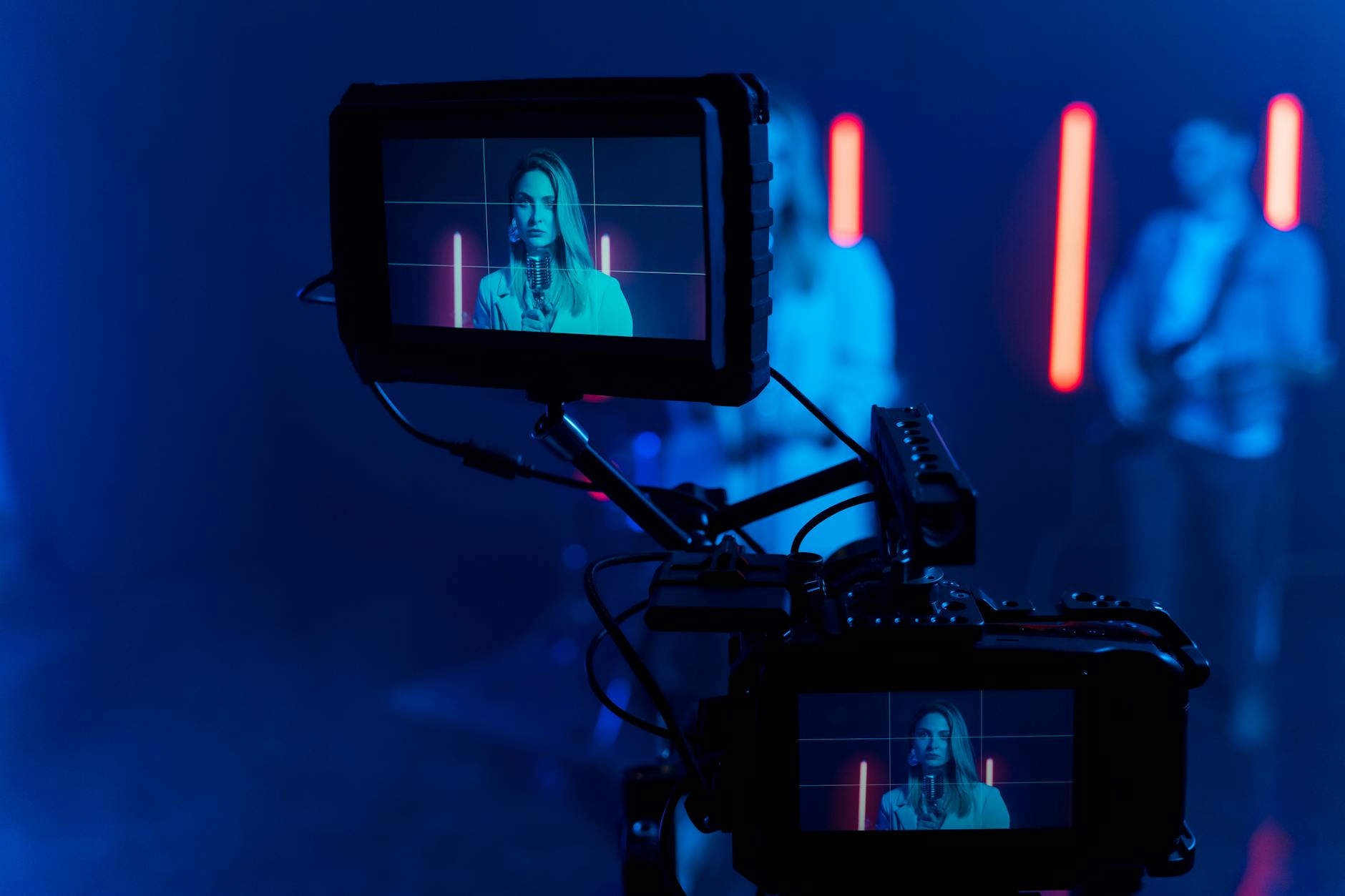
Capturing keynote footage that works for a reel
Standard conference coverage is designed for the event recap and session archive. A speaker reel asks for a little more.
At least two cameras
A single wide camera gives you a record of the talk, and little to build a reel from. The minimum is a tight camera on the speaker and a wider shot that shows the stage and screens. A third camera facing the audience, or a roaming operator, captures the reactions that sell the speaker. Our article on multi-camera coverage at Miami conferences explains how a typical setup works.
Clean audio from the speaker's mic
Take a feed from the AV mixer and, if possible, record a separate backup lav. Record the room with audience microphones so laughter and applause come through clearly. Without that, a funny moment can sound flat in the edit.
The stage screen
Slides and videos on the screen often support the talk. For a reel, the speaker may want to show the screen briefly or replace it with a clean version of their slides in the edit. Ask whether a clean slide feed or the deck file is available. Our guide to filming the stage screen covers the options.
Lighting and framing
Ballroom stage lighting is often designed for the room and the LED wall, and the camera comes second. Ask the AV team to keep the speaker evenly lit across the stage, especially if they walk to the edges. Agree on framing in advance: speakers who move a lot need a camera operator who follows them across the stage.
Rights and permissions come first
Before anyone cuts a reel, it has to be clear who owns the footage and how it can be used. This is often the point where things stall.
| Question | Why it matters |
|---|---|
| Who commissioned the video? | Usually the event organizer owns the footage they paid for. |
| What does the speaker agreement say? | It may grant or limit recording and reuse rights for either party. |
| Can the event's branding appear? | Some organizers allow it; others want their logo removed or approval of the edit. |
| Are audience members identifiable? | Close shots of attendees may need consent under the event's policy. |
| Does the talk include third-party content? | Music, video clips or images on slides may not be cleared for a reel. |
Speaker agreements are the place to settle this. Our article on recording rights for conference speakers lists the clauses to check. When rights are clear, the video team can deliver footage directly to the speaker. When they are not, the team will need written permission from the organizer before releasing anything.
How speakers can arrange it
There are three common arrangements, and each works well if it is agreed before the event.
The organizer shares footage
Many organizers include a speaker's raw keynote or edited session video as a courtesy. The speaker then hires their own editor to cut the reel. This is simple, but the speaker gets only what was shot for the event, which may lack audience reactions or close-ups.
The speaker pays for added coverage
A speaker can hire the event's video team, or work out an arrangement with them, for additional coverage during their talk: an extra camera on the audience, a dedicated operator or a separate audio recorder. This needs the organizer's agreement, but it is usually straightforward because it does not affect the main coverage.
The video team cuts the reel
The most efficient option is often to have the event video team edit the reel, since they already know the footage. The speaker provides notes on favorite moments and stories, the team cuts a draft, and the speaker reviews it. Lower thirds with the speaker's name and the event name can be designed in the same style as the session video. Our article on lower thirds and on-screen graphics shows typical approaches.
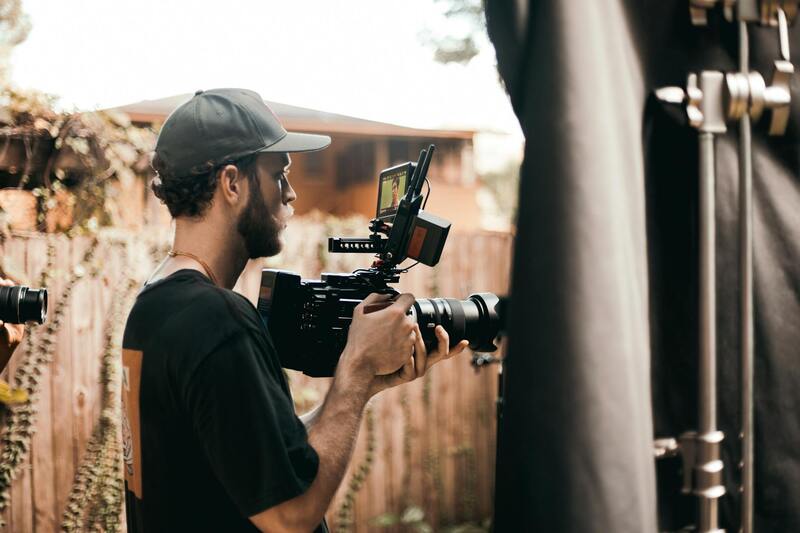
What to send the video team
A speaker who wants reel-ready footage can make the job easier by sending a few things before the event:
- The talk outline and approximate timing of key stories or audience moments.
- Slides or a list of any videos and music used in the presentation.
- Examples of reels they like, so the editor understands the style.
- The deliverables they want: full talk, reel length, vertical clips for social media.
- Any branding to include, such as their logo or website.
Organizers can help by adding a speaker footage policy to the event brief, so the video team knows from the start which speakers may receive footage and on what terms. Keeping keynotes organized in a post-event video asset library also makes later requests easy to handle.
Keynote footage and speaker reels with our team
Miami Event Video Pro records keynotes at conferences, summits and corporate events across Miami with multi-camera setups, clean audio feeds and audience coverage. We work with organizers to clarify footage rights in advance, and we can cut speaker reels, full-session videos and short social clips from the same recording. Speakers get footage they can actually use to book their next stage, and organizers stay in control of their event's content.
If you are organizing an event and want to offer speakers reel-ready footage, or if you are a speaker booked at a Miami conference, contact our team to talk through coverage and editing. You can read more about how we work or browse more event video guides on the Miami Event Video Pro blog.