
Updated: October 19, 2026
Filming a company town hall or all-hands in Miami: audience questions, remote staff and the internal edit
A company town hall looks simple on paper. Leadership stands at the front of a room, shares results and plans, and answers questions from employees. In practice it is one of the trickiest internal events to film well. The audience is your own staff, so everyone notices when something is off. The most valuable part, the open Q&A, is also the hardest to record cleanly. Part of the company is usually watching from elsewhere, either live or later. And the recording often carries sensitive information about finances, reorganizations or strategy. Miami companies hold all-hands meetings in their own offices, in hotel meeting rooms and in event spaces around Brickell, Doral and downtown, and we film them regularly. This guide explains what goes into good town hall coverage and what to decide before the day.
Decide what the recording is for
Before choosing cameras, agree on the purpose. Most town hall recordings serve one or more of these:
- An archive for employees who could not attend, shared on the intranet within a day or two.
- A shorter edited version with the key messages for teams in other time zones or new hires.
- Short internal clips, such as the CEO announcing a milestone, for internal channels and newsletters.
- A record for leadership of what was said, sometimes with a transcript.
If the meeting is also streamed to remote offices, the live feed and the recording should be planned together. We cover live and recorded audiences in our guide to hybrid event video; for most town halls, the recorded version is what people actually watch.
Camera coverage that fits the room
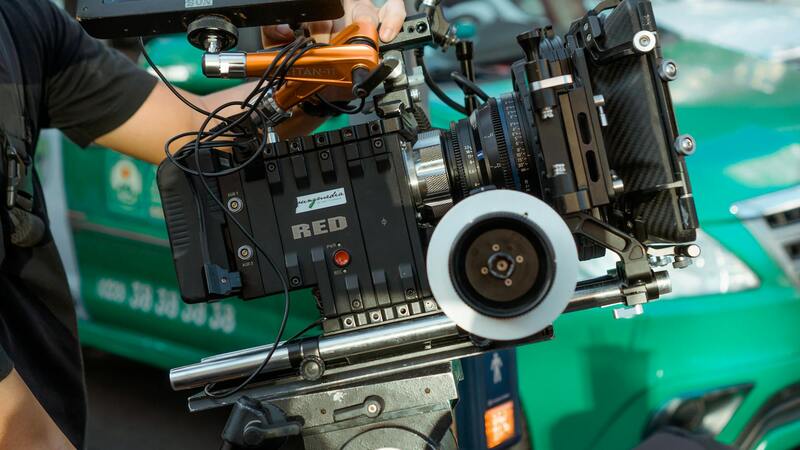
A typical all-hands does not need a big crew. Two or three cameras usually cover it well:
| Camera | Framing | Why |
|---|---|---|
| Main camera | Medium shot of the current speaker | The core of the recording |
| Wide camera | Stage, screen and front rows | Safety shot, context, speaker changes |
| Audience camera | Roaming or fixed on the room | Questions from the floor, reactions, applause |
In an office cafeteria or open-plan floor, there is rarely a stage, the ceiling is low and windows are everywhere. Place cameras where they do not block employees' view, and plan lighting for the speakers so they are not silhouetted against a bright Miami window. A small LED key on each speaker position usually solves this. Our guide to multi-camera coverage explains how the cameras are cut together later.
The Q&A: where town hall recordings fail
Almost every weak town hall video has the same problem: nobody can hear the questions. The speakers on stage wear microphones, but the employee asking a question from the middle of the room is picked up only as a faint echo. Then leadership answers a question the viewer never heard. There are several ways to fix it:
- Handheld runner microphones carried to each person asking, with a crew member or staff volunteer assigned to run them.
- Fixed audience microphones on stands in the aisles where people line up to ask.
- Submitted questions read out by a moderator, which also helps remote staff take part.
- Repeating the question: the speaker restates it before answering. Simple, and useful as a backup even when mics work.
Some employees do not want to appear on camera when asking a sensitive question. Agree in advance whether the audience camera films people asking, or only the room in general, and tell employees at the start. Our guide to attendee consent and releases covers how to handle this properly.
Audio from the room and the AV system
If the venue has a sound system, we take a feed from their mixer for the stage mics and add our own recorder as a backup. In an office without a proper system, we bring a small mixer, wireless microphones for the speakers and the Q&A mics, and a speaker so the room can hear. Record the program mix and, where possible, separate tracks for each mic, so the editor can fix a level problem later. The article on working with the venue AV team explains how we coordinate with in-house technicians, and our guide to redundancy in event video explains why we always record audio twice.
Confidentiality and access
Town halls often include numbers and plans that are not public. Decide before the event:
- Who can receive the raw footage and the final edit.
- Whether some segments should be removed before sharing company-wide.
- How files are delivered: a secure link with expiry, the company's own storage, or physical drives.
- Whether the video crew should sign a confidentiality agreement.
We follow the same handling for all-hands meetings as for investor and board events, and we delete working copies at the end of the project if the client asks.
Including remote staff and other offices
Many Miami companies are regional headquarters for Latin America, with teams in Bogota, Mexico City, Sao Paulo or Buenos Aires, plus remote employees across the United States. A town hall that only works for the people in the room leaves a large part of the company out. A few choices make the meeting feel shared:
- Schedule the meeting at a time that works across the main time zones, and tell remote teams when the recording will be available if they cannot watch live.
- Let remote staff send questions in writing before and during the meeting, and make sure the moderator reads some of them out.
- If a remote office joins on video, show their feed on the room screen and record it too, so their questions appear in the final edit.
- Plan translation early. Live interpretation needs its own audio channel, while subtitles can be added in the edit. Our guide to bilingual conference video covers both options.
Leadership can also record a short follow-up after the meeting answering the questions they ran out of time for. It takes twenty minutes with the crew already on site and shows remote teams that their questions were heard.
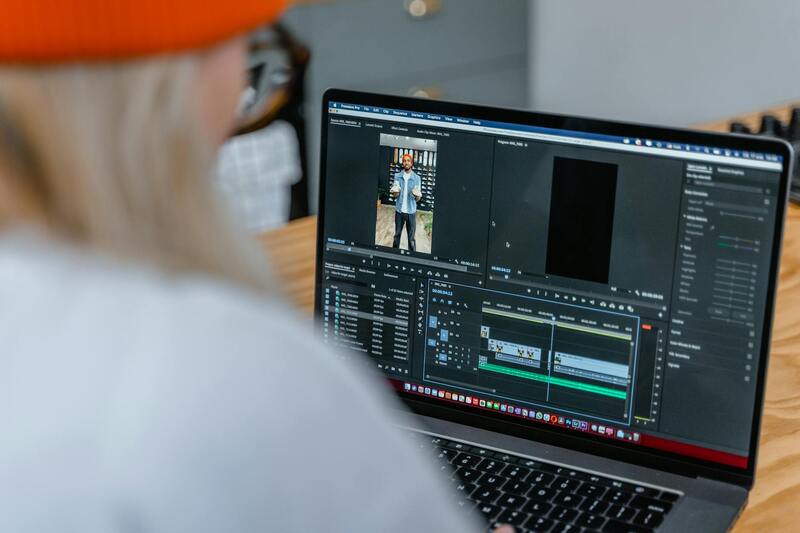
The internal edit
A full ninety-minute recording is useful as an archive, but few people watch it to the end. A good internal edit adds:
- Chapters or timestamps so viewers can jump to the topic they care about.
- Name titles for each speaker and each employee asking a question, if they agreed to be named. Our article on lower thirds and on-screen graphics covers styling.
- Slides inserted cleanly from the presentation files instead of filmed off the screen.
- Captions, which help people watching at their desk without sound and colleagues whose first language is Spanish or Portuguese.
- A short highlight version of five to eight minutes for the whole company.
Filming your next all-hands with us
We record town halls, all-hands meetings and leadership updates for Miami companies in their offices and in local event venues. We plan the coverage around the way your company will use the recording, bring a compact crew that works quietly in an office setting, solve the Q&A audio properly, and handle the footage with the confidentiality internal meetings need. After the event we deliver the full recording with chapters, a short highlight cut and captions in English and Spanish when you need them. Tell us about your next all-hands through the contact page and we will suggest a crew and setup for your room. You can learn more about our team on the about page.